Home / Blog / Check what ChatGPT says
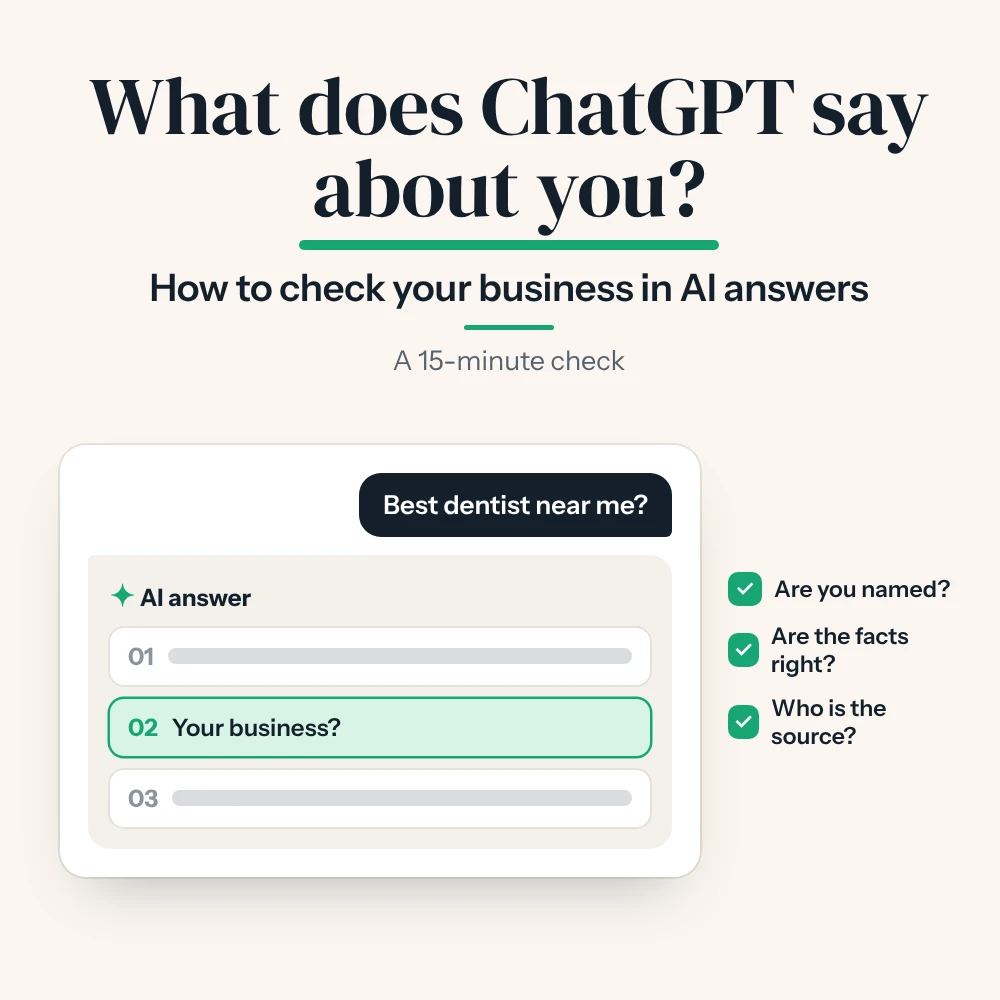
How to check what ChatGPT says about your business

Your customers are already asking AI tools who to hire, where to eat and which clinic to trust. The only way to know what those tools say about you is to ask them yourself.
This check needs no tools and no budget. Just a browser and a notepad.
Before you start
- Use a fresh chat. Open a new or temporary chat, so your own history doesn't shape the answer.
- Ask like a customer. Use the words a real customer would use, not your internal terms.
- Ask twice. AI answers change from one try to the next. Two or three tries give a fairer picture.
- Write down the date. You'll want to compare next month.
The five questions to ask
| # | Ask this | What it tells you |
|---|---|---|
| 1 | "What is the best [your service] in [your area]?" | Whether you are named at all |
| 2 | "What do you know about [your business name]?" | Whether the facts about you are right |
| 3 | "Is [your business name] good? What do reviews say?" | How your reputation looks from outside |
| 4 | "[Your business] or [a competitor]: which is better for [a need]?" | How you compare, and why |
| 5 | "Where can I get [a specific service] near [area]?" | Whether you show up for your key services |
Swap the brackets for your own details. A vet in Al Barsha might ask "What is the best vet clinic in Al Barsha?" and "Where can I get pet vaccinations near Al Barsha?"
How to read the answers
For each answer, look at three things.
- Are you named? Note your position too. First of three is very different from "also worth a look".
- Are the facts right? Check your address, opening hours, services and prices. Wrong facts usually come from old listings or pages.
- Who is the source? Many tools show links or sources. These are the sites the AI trusts for your topic. If your competitors are on them and you are not, that is your to-do list.
Ask more than one tool
Each AI tool finds its information in its own way, so the answers differ. Run the same five questions in ChatGPT, Gemini and Perplexity, and look at Google's AI Overview for the same search.
Keep a simple score sheet
| Question | ChatGPT | Gemini | Perplexity | Google AI |
|---|---|---|---|---|
| Best [service] in [area] | Named, 2nd | Not named | Named, 1st | Not named |
| What do you know about us | Facts right | Old address | Facts right | No overview |
The example above scores 2 out of 4 on the first question. Next month, run it again and see what moved.
What to do with what you find
- Not named: start with the basics in my guide, What is GEO?
- Wrong facts: fix your website, Google Business Profile and directory listings so they all match.
- Competitors cited from sites you're not on: get listed or mentioned on those same sites.
- Weak reviews: ask happy customers for honest reviews. AI tools read them.
Common questions
Why does the answer change every time I ask?
AI tools write a new answer each time, and many search the web live. Small changes are normal. Look at the pattern across a few tries.
How often should I check?
Once a month is enough for most businesses.
Can I pay to be recommended?
Not in the answer itself. You earn it with clear facts, good content and real mentions.
Want a second pair of eyes on your results? Say hello and send me what you found.
- Method based on my own testing across ChatGPT, Gemini, Perplexity and Google AI Overviews.